
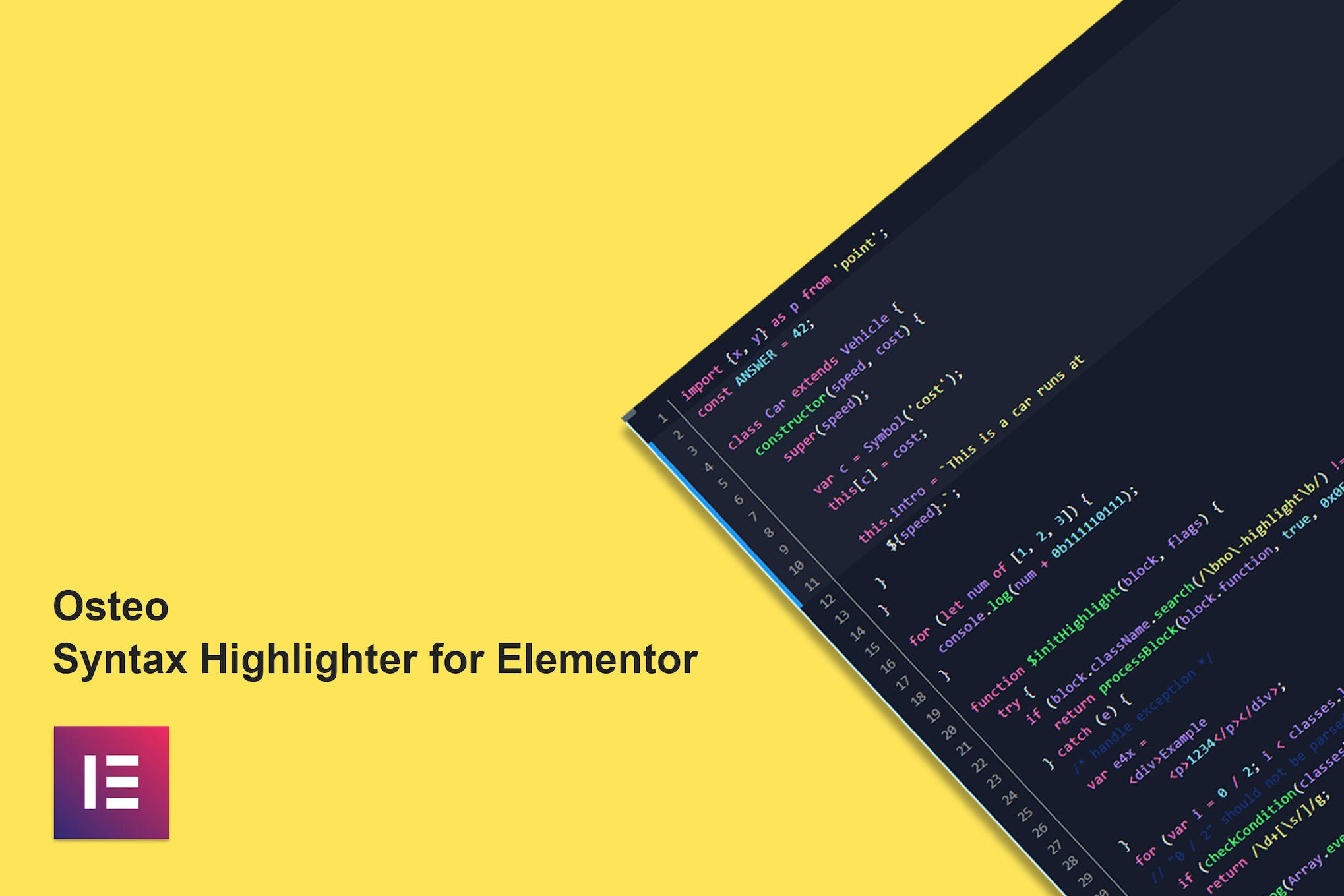
Osteo Syntax Highlighter for Elementor
Need a newer version? Just create a ticket and you'll get it within 12 hours.
Some Envato products need a licence key to activate. If yours does, create a ticket and we'll activate it for you. Activation is only possible while the product is still available on Envato's official website.
Introducing Osteo Syntax Highlighter for Elementor, a powerful addon that allows you to effortlessly showcase your source code. With 70+ ready-to-use themes inspired by popular VS Code themes, you can customize your code’s appearance to match your unique style. This addon supports over 210 languages and includes features such as line numbering, line number highlighting, treeview options, and a copy to clipboard button. Compatible with Elementor 2.5 and higher, Osteo Syntax Highlighter is lightweight, super fast, and responsive, making it a perfect choice for all WordPress themes built on Elementor.
- Version: 1.0.0 verified in the package
Type: Plugin
Developer: TwinkleTheme - 0.52 MB (541,604 bytes)
osteo-syntax-highlighter-for-elementor.zip - Category: Envato Elements Plugins · GPL WordPress Plugins
- Files: 116
CSS 83 · JavaScript 13 · SVG 12 MD5, SHA-1, SHA-256 signatures
MD5 1f55106e71d9cf2fee3a58e727fd0059SHA-1 90d3fd3b7c3912af6c08ed80dee50ebb15cff9daSHA-256 bc313b35549ac7dd48142175d2ff04ce6760de1e746029b2639dfc98df324fa0- Updated March 2, 2025 at 4:38 AM UTC
- Included in every membership
Members download this and every other product at no extra cost. Start Monthly →
Osteo Syntax Highlighter for Elementor is a robust addon designed to enhance your website by showcasing source code elegantly. Perfect for developers, tech bloggers, and educators, this plugin seamlessly integrates with Elementor to deliver a visually appealing presentation of code snippets.
Highlights
- 70+ ready-to-use themes inspired by popular VS Code themes for a personalized look.
- Supports over 210 programming languages to cater to diverse coding needs.
- Features line numbering and line number highlighting for improved readability.
- Includes treeview options for better organization of code structures.
- Copy to clipboard functionality for easy sharing of code snippets.
Who it is for
This plugin is ideal for developers, educators, and anyone looking to present code in a stylish and functional manner on their WordPress sites.
How to install
To install, upload the ZIP file under Plugins > Add New > Upload Plugin in WordPress, then activate it to start using Osteo Syntax Highlighter.
Current version: 1.0.0 · updated 2 years ago (March 2, 2025).
Every update is downloaded from the original developer, virus-scanned and published here — install it in one click with the free XYZ Theme Updater.
- Result
- Clean — no threats found
- Scanned
- Sep 08, 2026, 10:27 PM UTC
- Engine
- ClamAV 1.5.4
- Files checked
- 116
- Size
- 0.52 MB
- SHA-256
- bc313b35549ac7dd48142175d2ff04ce6760de1e746029b2639dfc98df324fa0
Everything you need for $14.00 a month.
All 30,000+ themes, plugins and templates, every update and unlimited sites. Cancel anytime from your account.
Most loved by developers
The themes and plugins downloaded most this month.
View all best sellers


