
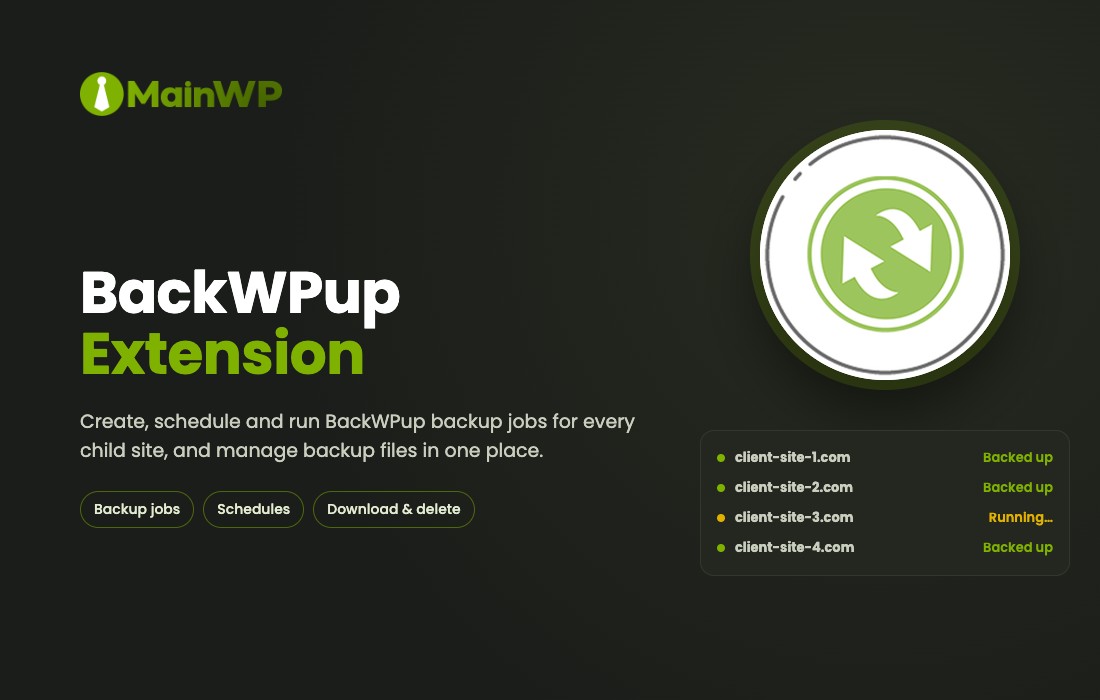
MainWP BackWPup Extension
The MainWP BackWPup Extension enables users to manage backup jobs for all their child sites directly from the MainWP Dashboard. It allows for the creation, scheduling, and execution of BackWPup backups on demand. Users can monitor each job’s progress through logs and easily download or delete backup files for every site in a centralized location.
- Version: 5.2 verified in the package
Type: Plugin
Developer: MainWP - 13.17 MB (13,805,198 bytes)
mainwp-backwpup-extension.zip - Category: GPL WordPress Plugins · MainWP
- Files: 10,084, folders: 550
PHP 9995 · No Ext 54 · XML 6 MD5, SHA-1, SHA-256 signatures
MD5 117d475483cc1b9234b064ad4b6c09d8SHA-1 56479fcc0d232e27339ae418b8f50ef22099d36eSHA-256 eb5d22196c7c7fb5224863de3aa747a23ce9711dd70380b9cf149307f9b6cdcc- Updated October 31, 2026 at 7:45 AM UTC
- Included in every membership
Members download this and every other product at no extra cost. Start Monthly →
The MainWP BackWPup Extension is a powerful tool designed for WordPress website owners who want to streamline their backup management process. This extension allows users to control and oversee backup jobs for all their child sites from a single MainWP Dashboard, making it ideal for webmasters managing multiple sites.
Highlights
- Centralized Management: Control all backup jobs for your child sites from one convenient location.
- Job Scheduling: Create and schedule BackWPup backups to run automatically at your preferred times.
- On-Demand Backups: Execute backup jobs whenever you need them, ensuring your data is always protected.
- Progress Monitoring: Track the status of each backup job with detailed logs, keeping you informed at all times.
- Easy File Management: Download or delete backup files effortlessly for each site, simplifying your backup routine.
Who it is for
This extension is perfect for WordPress users, developers, and agencies who manage multiple sites and need a reliable backup solution to safeguard their data efficiently.
How to install
To install, upload the ZIP file under Plugins > Add New > Upload Plugin in WordPress, then activate it to start managing your backups.
Current version: 5.2 · updated 5 days ago (October 31, 2026).
Every update is downloaded from the original developer, virus-scanned and published here — install it in one click with the free XYZ Theme Updater.
- Result
- Clean — no threats found
- Scanned
- Oct 31, 2026, 07:48 AM UTC
- Engine
- ClamAV 1.5.4
- Files checked
- 10,084
- Size
- 13.17 MB
- SHA-256
- eb5d22196c7c7fb5224863de3aa747a23ce9711dd70380b9cf149307f9b6cdcc
Everything you need for $14.00 a month.
All 30,000+ themes, plugins and templates, every update and unlimited sites. Cancel anytime from your account.
Most loved by developers
The themes and plugins downloaded most this month.
View all best sellers


