
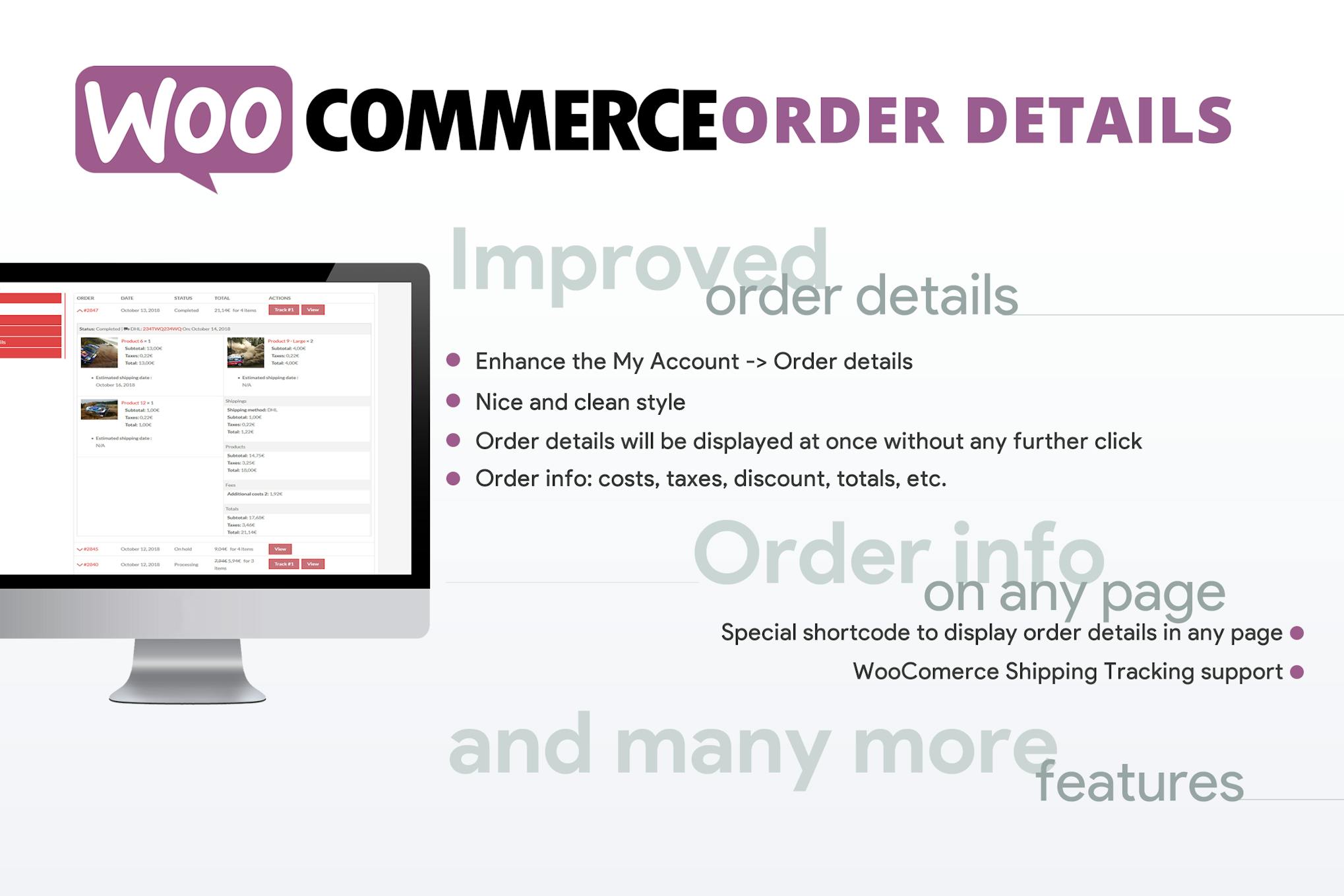
WooCommerce Order Details
Need a newer version? Just create a ticket and you'll get it within 12 hours.
Some Envato products need a licence key to activate. If yours does, create a ticket and we'll activate it for you. Activation is only possible while the product is still available on Envato's official website.
The WooCommerce Order Details plugin makes it easy for customers to view all their order information on a single, clean page. Simply install the plugin, and it will automatically enhance the My Account -> Orders page by adding an arrow icon to access order details. Using the [wcod_order_details] shortcode, users can track any order by entering its ID. Additionally, if WooCommerce Shipping Tracking is enabled, tracking information will be conveniently displayed within the order details table.
- Version: 3.2 verified in the package
Type: Plugin
Developer: Lagudi Domenico - 0.13 MB (134,662 bytes)
woocommerce-order-details.zip - Category: Envato Elements Plugins · GPL WordPress Plugins
- Files: 30, folders: 20
PHP 13 · JavaScript 5 · CSS 5 MD5, SHA-1, SHA-256 signatures
MD5 84d3ed9b7d36fc9bd85e416c61ae3267SHA-1 a21f913ee73b602a483f741d82eccd9e74c96cffSHA-256 b8e6cd730dc4c0b94fd60e6be6ecd93e2e040c27b8b692a0f17aa65d2abdccc6- Updated October 12, 2026 at 1:27 PM UTC
- Included in every membership
Members download this and every other product at no extra cost. Start Monthly →
The WooCommerce Order Details plugin is an essential tool for any online store using WooCommerce, designed to enhance the customer experience by providing a streamlined way to access order information. Perfect for e-commerce websites, this plugin transforms the My Account section, ensuring that customers have all their order details at their fingertips.
Highlights
- Enhanced Order Information: View all order details on a single, clean page.
- User-Friendly Navigation: Automatically adds an arrow icon for easy access to order specifics.
- Order Tracking: Utilize the [wcod_order_details] shortcode to track orders by entering their ID.
- Shipping Tracking Integration: Displays tracking information within the order details if WooCommerce Shipping Tracking is enabled.
Who it is for
This plugin is ideal for online retailers and e-commerce businesses looking to improve customer satisfaction by providing easy access to order information.
How to install
To install, simply upload the ZIP file under Plugins > Add New > Upload Plugin in WordPress, and then activate the plugin.
Current version: 3.2 · updated 1 month ago (October 12, 2026).
Every update is downloaded from the original developer, virus-scanned and published here — install it in one click with the free XYZ Theme Updater.
- Result
- Clean — no threats found
- Scanned
- Oct 12, 2026, 01:33 PM UTC
- Engine
- ClamAV 1.5.4
- Files checked
- 30
- Size
- 0.13 MB
- SHA-256
- b8e6cd730dc4c0b94fd60e6be6ecd93e2e040c27b8b692a0f17aa65d2abdccc6
Everything you need for $14.00 a month.
All 30,000+ themes, plugins and templates, every update and unlimited sites. Cancel anytime from your account.
Most loved by developers
The themes and plugins downloaded most this month.
View all best sellers


