
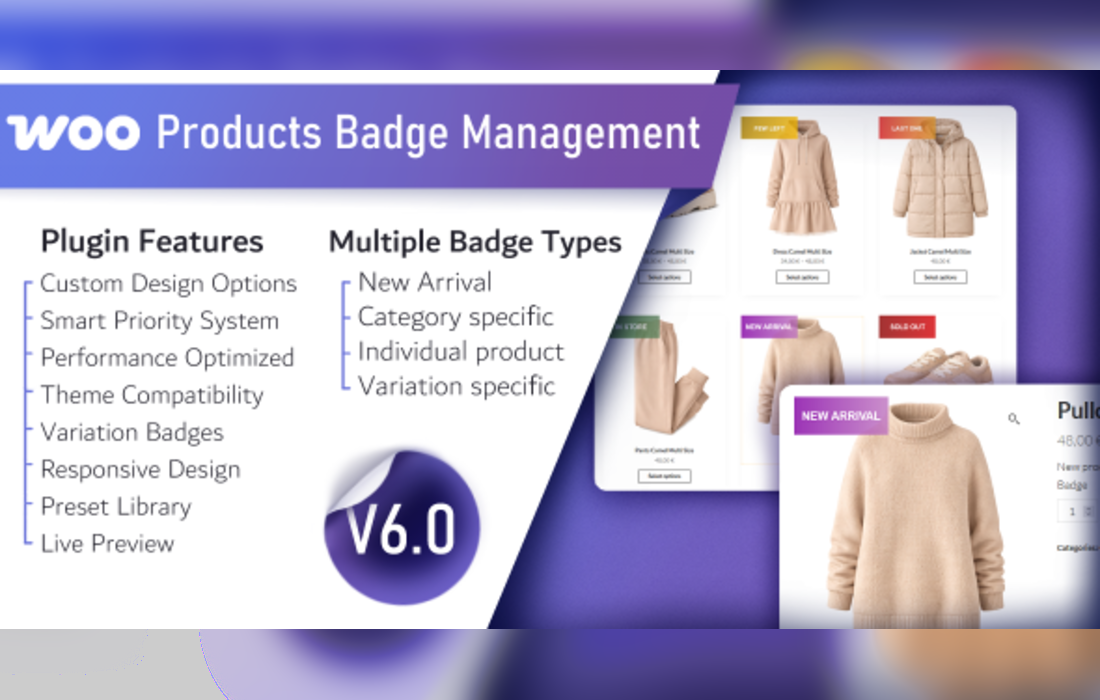
WooCommerce Products Badge Management
WooCommerce Products Badge Management allows users to create and customize unique badges for their products, enhancing visibility and appeal. Users can designate badges for new arrivals based on specific time frames, assign category-specific badges, and tailor badges for individual products or variations. This tool helps highlight promotions and key items, ensuring they stand out on shop pages.
- Version: 5.1 verified in the package
Type: Plugin
Developer: Gema75 - 0.06 MB (60,508 bytes)
gema75_woocommerce_badges.zip - Category: GPL WordPress Plugins · CodeCanyon
- Files: 16, folders: 4
PNG 10 · JavaScript 3 · PHP 1 MD5, SHA-1, SHA-256 signatures
MD5 cad731f3d6bf5e592a2418dfa46e9bc9SHA-1 1091373380106cbf6b8f2e87f96f81ed5c4db2b0SHA-256 b62eafd70c2ba52a6b8db776ce1b75839ec2a56c378753e8b9f7c874187743de- Updated October 28, 2026 at 6:49 PM UTC
- Included in every membership
Members download this and every other product at no extra cost. Start Monthly →
WooCommerce Products Badge Management is an essential WordPress plugin designed to enhance your online store’s product visibility. Perfect for eCommerce websites, this tool enables you to create and customize distinctive badges that highlight key products, promotions, and new arrivals, making them more appealing to potential customers.
Highlights
- Create unique badges for your products to draw attention and increase sales.
- Designate badges for new arrivals based on specific time frames to keep your inventory fresh.
- Assign category-specific badges to highlight promotions tailored to specific product categories.
- Customize badges for individual products or variations, ensuring a personalized shopping experience.
- Enhance product visibility on shop pages, helping your key items stand out to customers.
Who it is for
This plugin is ideal for store owners looking to increase engagement and conversions by making their products more attractive and noticeable. Whether you’re running a small boutique or a large eCommerce site, this tool is designed to meet your needs.
How to install
To install, simply upload the ZIP file under Plugins > Add New > Upload Plugin in WordPress, then activate it to start enhancing your product display.
Current version: 5.1 · updated 1 week ago (October 28, 2026).
Every update is downloaded from the original developer, virus-scanned and published here — install it in one click with the free XYZ Theme Updater.
- Result
- Clean — no threats found
- Scanned
- Oct 29, 2026, 05:37 AM UTC
- Engine
- ClamAV 1.5.4
- Files checked
- 16
- Size
- 0.06 MB
- SHA-256
- b62eafd70c2ba52a6b8db776ce1b75839ec2a56c378753e8b9f7c874187743de
Everything you need for $14.00 a month.
All 30,000+ themes, plugins and templates, every update and unlimited sites. Cancel anytime from your account.
Most loved by developers
The themes and plugins downloaded most this month.
View all best sellers


