
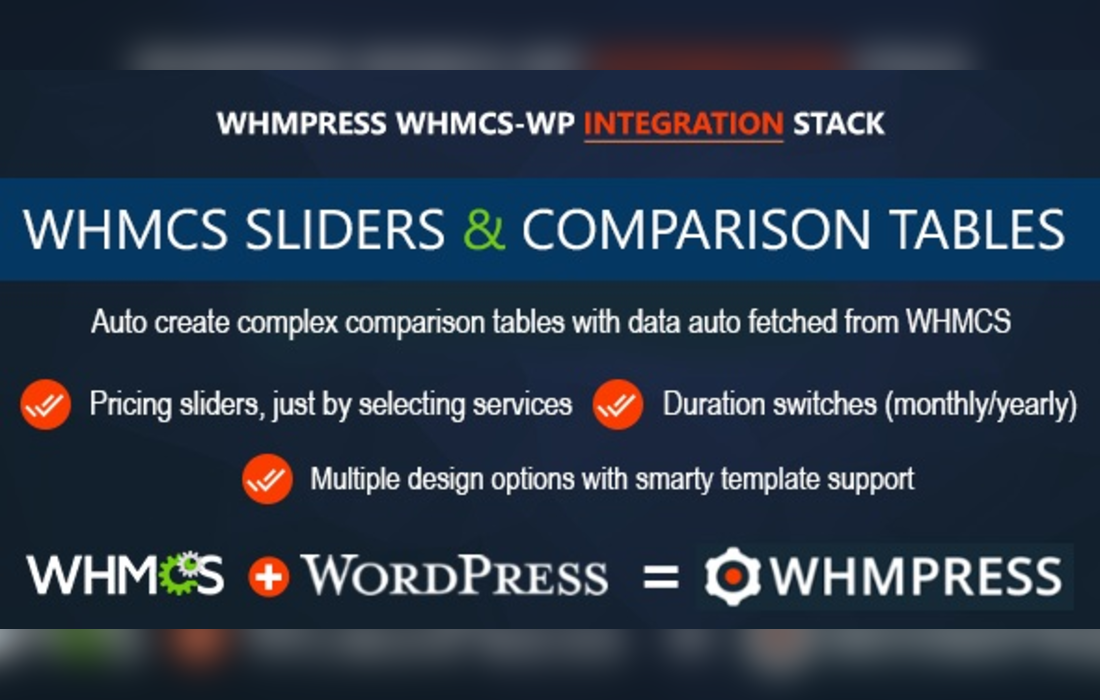
WHMCS Pricing Sliders and Comparison Tables – WHMpress Addon
WHMCS Pricing Sliders and Comparison Tables is an add-on for WHMpress that enhances WHMCS hosting plans by transforming them into interactive pricing sliders and comparison tables. It automatically populates data from WHMCS, showcases two billing durations with calculated savings, and offers touch-friendly carousels for mobile users, making it easier for customers to compare and select plans.
- Version: 4.9-revision-2 verified in the package
Type: Plugin
Developer: creativeON - 2.13 MB (2,233,320 bytes)
whmpress_comp_tables.zip - Category: GPL WordPress Plugins · CodeCanyon
- Files: 259, folders: 21
TPL 92 · PNG 64 · INFO 31 MD5, SHA-1, SHA-256 signatures
MD5 538a985e17554ab6e34d0d021c036b63SHA-1 614b4f14b5b943d78cba19baf41cb997f5401d3eSHA-256 09aec2ca6945a4e5c84d28d71e2653aa39c515423a1ba46f6434d5d42387d0cc- Updated October 27, 2026 at 5:24 PM UTC
- Included in every membership
Members download this and every other product at no extra cost. Start Monthly →
Enhance your WHMCS hosting plans with the WHMCS Pricing Sliders and Comparison Tables – WHMpress Addon. This powerful tool is designed for web hosting providers looking to create an engaging and user-friendly experience on their websites, allowing customers to easily compare and select their desired plans.
Highlights
- Interactive Pricing Sliders: Transform your static pricing tables into dynamic sliders that captivate visitors.
- Comparison Tables: Display multiple hosting plans side-by-side for easy comparison of features and pricing.
- Automatic Data Population: Seamlessly pulls data from WHMCS to keep your pricing information up-to-date.
- Mobile-Friendly Design: Features touch-friendly carousels that enhance usability on mobile devices.
- Billing Duration Options: Showcase two billing durations with calculated savings, making it easier for customers to choose the best option.
Who it is for
This plugin is perfect for web hosting companies and service providers who want to improve the presentation of their pricing plans and enhance customer decision-making.
How to install
To install, simply upload the ZIP file under Plugins > Add New > Upload Plugin in WordPress, then activate it to start utilizing its features.
Current version: 4.9-revision-2 · updated 1 week ago (October 27, 2026).
Every update is downloaded from the original developer, virus-scanned and published here — install it in one click with the free XYZ Theme Updater.
- Result
- Clean — no threats found
- Scanned
- Oct 27, 2026, 05:28 PM UTC
- Engine
- ClamAV 1.5.4
- Files checked
- 259
- Size
- 2.13 MB
- SHA-256
- 09aec2ca6945a4e5c84d28d71e2653aa39c515423a1ba46f6434d5d42387d0cc
Everything you need for $14.00 a month.
All 30,000+ themes, plugins and templates, every update and unlimited sites. Cancel anytime from your account.
Most loved by developers
The themes and plugins downloaded most this month.
View all best sellers


