
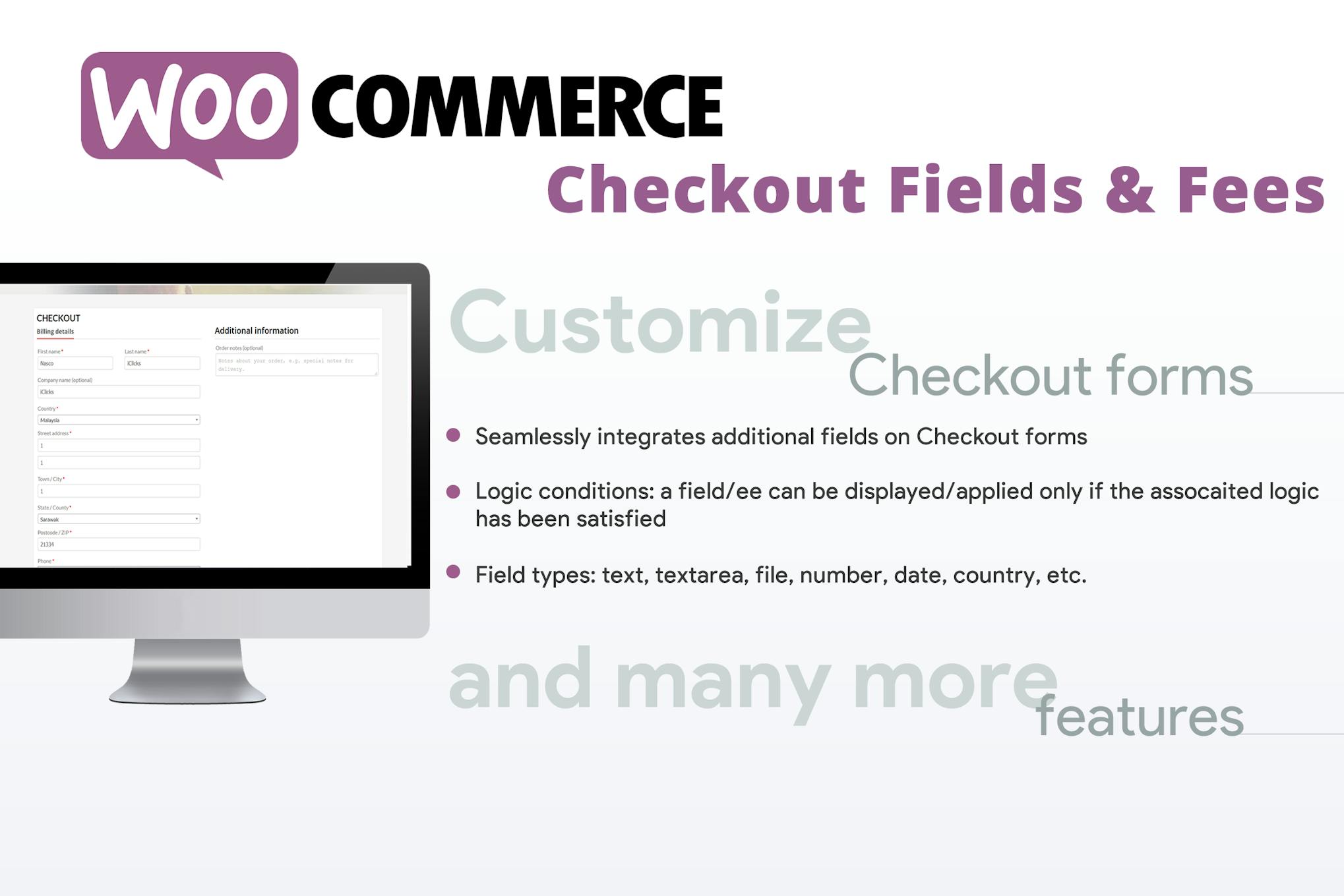
WooCommerce Checkout Fields & Fees
Need a newer version? Just create a ticket and you'll get it within 12 hours.
Some Envato products need a licence key to activate. If yours does, create a ticket and we'll activate it for you. Activation is only possible while the product is still available on Envato's official website.
The WooCommerce Checkout Fields & Fees plugin allows you to easily add fees or discounts to checkout, with the option to display additional fields based on logic rules. You can create various field types like text, file upload, passwords, and more, with the ability to set conditional rules for their display. Sorting and hiding checkout fields is simple using the Sort & Hide menu. The plugin supports file uploads during checkout, showing upload progress and allowing admin control over the files. You can create select and multiselect fields, along with country, state, and date/time fields for customer selection. The plugin supports free shipping and WPML compatibility for multilanguage input fields. Conditional logic rules can be set for each field based on product, category, cart, user, payment method, and country/state aspects.
- Version: 11.2 verified in the package
Type: Plugin
Developer: Lagudi Domenico - 0.23 MB (236,505 bytes)
woocommerce-conditional-checkout-fields.zip - Files: 144, folders: 19
JavaScript 63 · PHP 55 · CSS 17 MD5, SHA-1, SHA-256 signatures
MD5 d76575ae4e3f1c6a2c16bff203b5f002SHA-1 69cce60a33d0f5845da091d2add3bf265f2c63b3SHA-256 c422153391204cc59b62ed7c0f19da81711ef021a7983ad337702b86092f4e72- Updated June 4, 2025 at 4:56 AM UTC
- Included in every membership
Members download this and every other product at no extra cost. Start Monthly →
The WooCommerce Checkout Fields & Fees plugin is an essential tool for online store owners looking to enhance their checkout process. With its intuitive interface, you can easily customize your checkout experience to better suit your business needs and improve customer satisfaction.
Highlights
- Add fees or discounts during checkout with ease.
- Create various field types including text, file upload, and passwords.
- Utilize conditional logic to control the visibility of fields based on specific criteria.
- Sort and hide checkout fields effortlessly using the Sort & Hide menu.
- Support for file uploads, allowing customers to easily submit documents during checkout.
Who it is for
This plugin is ideal for eCommerce businesses of all sizes that wish to streamline their checkout process and offer a more personalized shopping experience for their customers.
How to install
To install, upload the ZIP file under Plugins > Add New > Upload Plugin in WordPress, then activate it to start customizing your checkout fields.
Current version: 11.2 · updated 1 year ago (June 4, 2025).
Every update is downloaded from the original developer, virus-scanned and published here — install it in one click with the free XYZ Theme Updater.
- Result
- Clean — no threats found
- Scanned
- Sep 07, 2026, 04:23 PM UTC
- Engine
- ClamAV 1.5.4
- Files checked
- 144
- Size
- 0.23 MB
- SHA-256
- c422153391204cc59b62ed7c0f19da81711ef021a7983ad337702b86092f4e72
Everything you need for $14.00 a month.
All 30,000+ themes, plugins and templates, every update and unlimited sites. Cancel anytime from your account.
Most loved by developers
The themes and plugins downloaded most this month.
View all best sellers


