
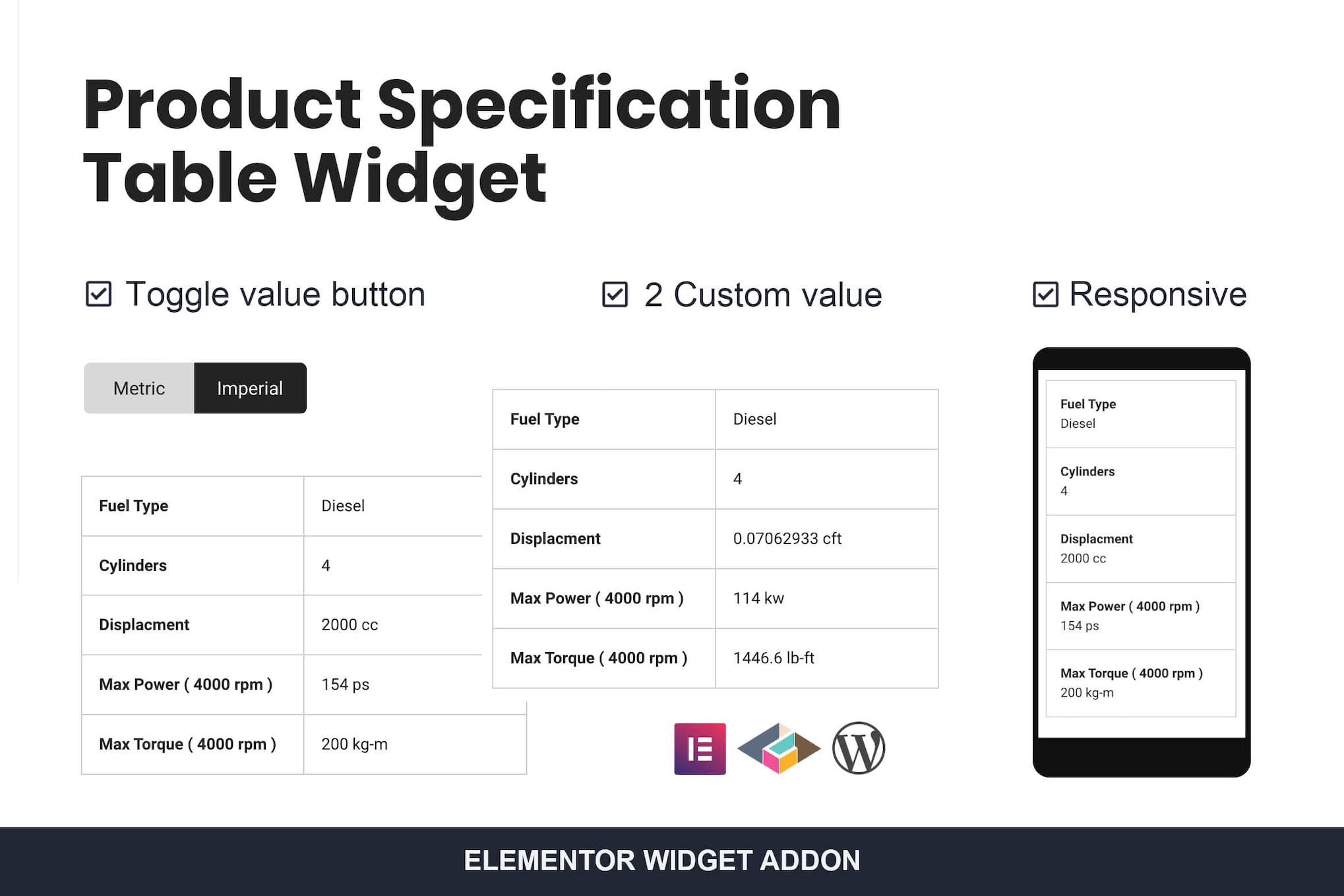
Product Specification Table Widget For Elementor
Need a newer version? Just create a ticket and you'll get it within 12 hours.
Some Envato products need a licence key to activate. If yours does, create a ticket and we'll activate it for you. Activation is only possible while the product is still available on Envato's official website.
Introducing the Product Specification Table Widget, a powerful addition to the Elementoris addon plugin for Elementor. This responsive two-column table seamlessly converts into a single column on mobile views, ensuring a smooth user experience. Featuring a convenient toggle switch button and a versatile two-value system, this coding-free widget is perfect for displaying detailed measurement information. Stay up-to-date with its auto update feature and leverage the power of WordPress and Elementor for an enhanced website-building experience.
- Version: 1.0.0 verified in the package
Type: Plugin
Developer: TemeGUM - 0.01 MB (10,445 bytes)
product_specification_for_elementor.zip - Category: Envato Elements Plugins · GPL WordPress Plugins
- Files: 7
PHP 3 · JavaScript 1 · CSS 1 MD5, SHA-1, SHA-256 signatures
MD5 6c4c851ab3ccc9f3ce1ceaa2206592dfSHA-1 4a87f2ef5406fabaf790591a8a9ba3b736c250aeSHA-256 c423bd1b9a791d07c93e0bae1ae6a56f1fefecb4a4b0a639d910145363341a36- Updated March 2, 2025 at 4:59 AM UTC
- Included in every membership
Members download this and every other product at no extra cost. Start Monthly →
The Product Specification Table Widget for Elementor is an essential tool designed to enhance your website’s functionality, particularly for e-commerce and product-driven platforms. This intuitive widget allows you to present detailed product specifications in a structured and visually appealing manner, making it ideal for any project that requires clear and concise information delivery.
Highlights
- Responsive design that adapts to both desktop and mobile views.
- Two-column layout that transforms into a single column for mobile devices.
- Convenient toggle switch button for easy navigation between specifications.
- User-friendly, coding-free setup for effortless integration into your site.
- Auto update feature to keep your plugin current with the latest enhancements.
Who it is for
This widget is perfect for web designers, e-commerce store owners, and anyone looking to present product specifications clearly and effectively on their WordPress site.
How to install
To install, simply upload the ZIP file under Plugins > Add New > Upload Plugin in WordPress, then activate it to start using the Product Specification Table Widget.
Current version: 1.0.0 · updated 2 years ago (March 2, 2025).
Every update is downloaded from the original developer, virus-scanned and published here — install it in one click with the free XYZ Theme Updater.
- Result
- Clean — no threats found
- Scanned
- Sep 08, 2026, 10:11 PM UTC
- Engine
- ClamAV 1.5.4
- Files checked
- 7
- Size
- 0.01 MB
- SHA-256
- c423bd1b9a791d07c93e0bae1ae6a56f1fefecb4a4b0a639d910145363341a36
Everything you need for $14.00 a month.
All 30,000+ themes, plugins and templates, every update and unlimited sites. Cancel anytime from your account.
Most loved by developers
The themes and plugins downloaded most this month.
View all best sellers


