
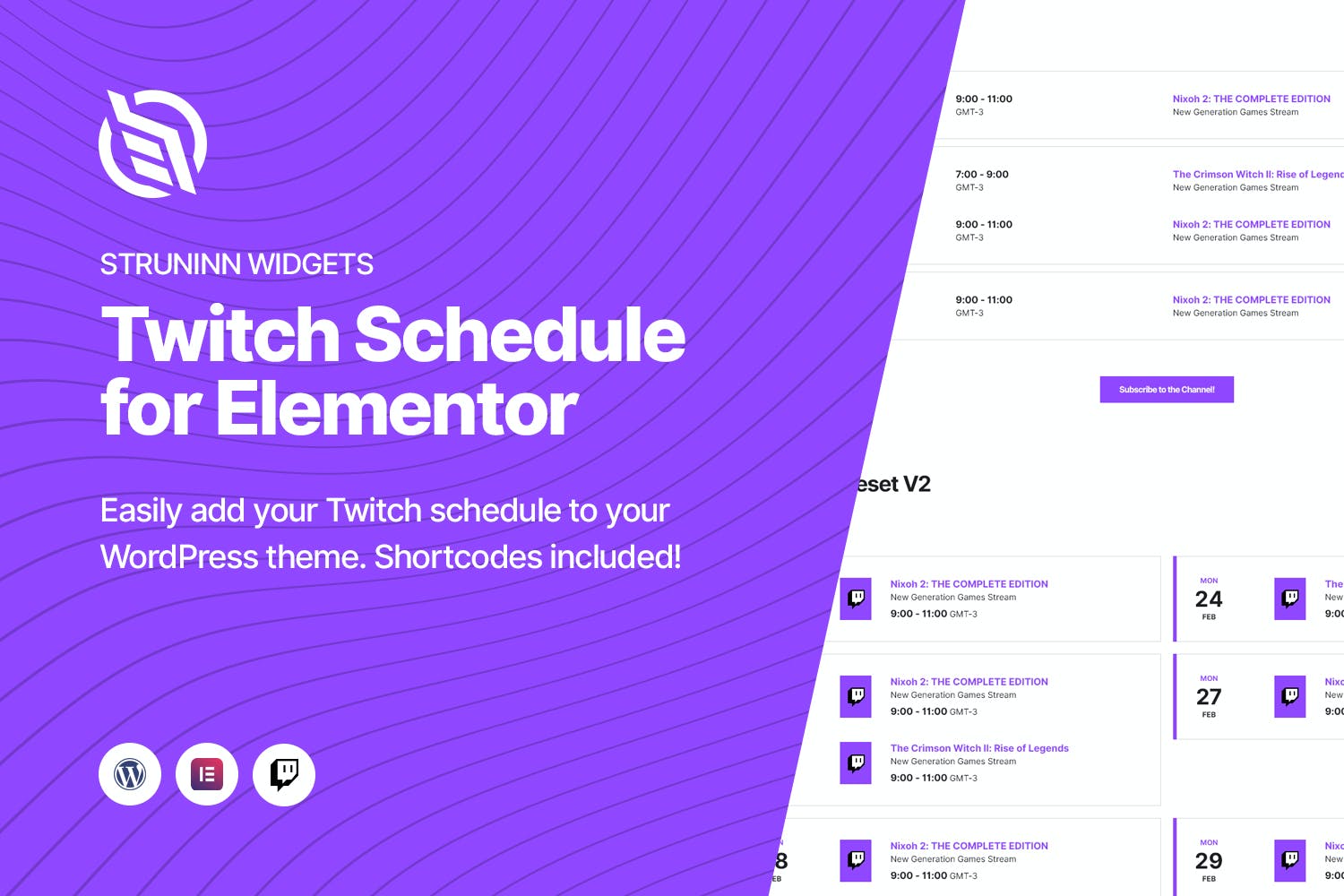
Struninn – Twitch Schedule Elementor Widget
Need a newer version? Just create a ticket and you'll get it within 12 hours.
Some Envato products need a licence key to activate. If yours does, create a ticket and we'll activate it for you. Activation is only possible while the product is still available on Envato's official website.
Introducing the Struninn – Twitch Schedule Elementor Widget! Displaying your Twitch channel schedule on your website has never been easier. With options like Template Functions, WordPress Shortcodes, and Elementor Widgets, you can choose the method that suits your needs. By connecting your Twitch account, the plugin automatically pulls all the necessary information for you, including a subscribe button for easy access to your sub page. With two view versions and easy installation, customizing and showcasing your schedule has never been more convenient. Don’t miss out on this must-have tool for Twitch streamers.
- Version: 1.0.1 verified in the package
Type: Plugin
Developer: Odin Design Themes - 0.67 MB (701,652 bytes)
struninntwitch_schedule.zip - Category: Envato Elements Plugins · GPL WordPress Plugins
- Files: 56
PHP 25 · JavaScript 19 · SCSS 8 MD5, SHA-1, SHA-256 signatures
MD5 48a6df553e0f3f92da729c8a4d4bfabaSHA-1 5dda0bd7038e71621953f91cf4b266a94b5a887dSHA-256 0cb23ef471b7c0a31d9a45d5bf00c1d994b4eb837a0a03c9ef1071b4b155eb1e- License: https://themeforest.net/licenses
- Updated March 2, 2025 at 4:47 AM UTC
- Included in every membership
Members download this and every other product at no extra cost. Start Monthly →
Introducing the Struninn – Twitch Schedule Elementor Widget, a powerful tool designed to seamlessly integrate your Twitch channel schedule into your website. Perfect for streamers looking to enhance their online presence, this plugin allows you to keep your audience informed about your streaming times effortlessly.
Highlights
- Multiple Display Options: Choose from different methods to showcase your Twitch schedule, including Template Functions, WordPress Shortcodes, and Elementor Widgets.
- Automatic Data Retrieval: Connect your Twitch account to automatically pull in your channel’s schedule and relevant information.
- Subscriber Access: Includes a subscribe button that directs visitors to your subscription page for easy access.
- Two Viewing Versions: Utilize two distinct layout options to best fit the design of your website.
- User-Friendly Installation: Enjoy a straightforward setup process that allows for quick integration into your site.
Who it is for
This plugin is ideal for Twitch streamers and content creators who want to keep their audience engaged and informed about their streaming schedule directly on their website.
How to install
To install, simply upload the ZIP file under Plugins > Add New > Upload Plugin in WordPress, then activate it to start showcasing your Twitch schedule.
Current version: 1.0.1 · updated 2 years ago (March 2, 2025).
Every update is downloaded from the original developer, virus-scanned and published here — install it in one click with the free XYZ Theme Updater.
- Result
- Clean — no threats found
- Scanned
- Sep 08, 2026, 10:21 PM UTC
- Engine
- ClamAV 1.5.4
- Files checked
- 56
- Size
- 0.67 MB
- SHA-256
- 0cb23ef471b7c0a31d9a45d5bf00c1d994b4eb837a0a03c9ef1071b4b155eb1e
Everything you need for $14.00 a month.
All 30,000+ themes, plugins and templates, every update and unlimited sites. Cancel anytime from your account.
Most loved by developers
The themes and plugins downloaded most this month.
View all best sellers


